zHealth Software Comparisons
What Makes zHealth Different?
Not all chiropractic software solutions are created equally. zHealth is designed to empower practice owners, automate your operations, and help you provide the best experience to your patients. Want to see how we compare against other competitors? Use this comparison tool to find out how zHealth stack up against other practice management software systems.
zHealth vs. ChiroTouch
Compare zHealth with ChiroTouch to discover which one is right for your business.
zHealth vs. MEDISOFT
Compare zHealth with MEDISOFT to discover which one is right for your business.
zHealth vs. ECLIPSE
Compare zHealth with ECLIPSE EHR to discover which one is right for your business.
zHealth vs. DrChrono
Compare zHealth with DrChrono to discover which one is right for your business.
zHealth vs. Chiro8000
Compare zHealth with Chiro800 and find out discover which one is right for your practice.
zHealth vs. ACOM Health
Compare zHealth with ACOM Health to discover which one is right for your business.
zHeath helps thousands of clinics across the country
achieve greatness in practice.
See what our customers are saying.
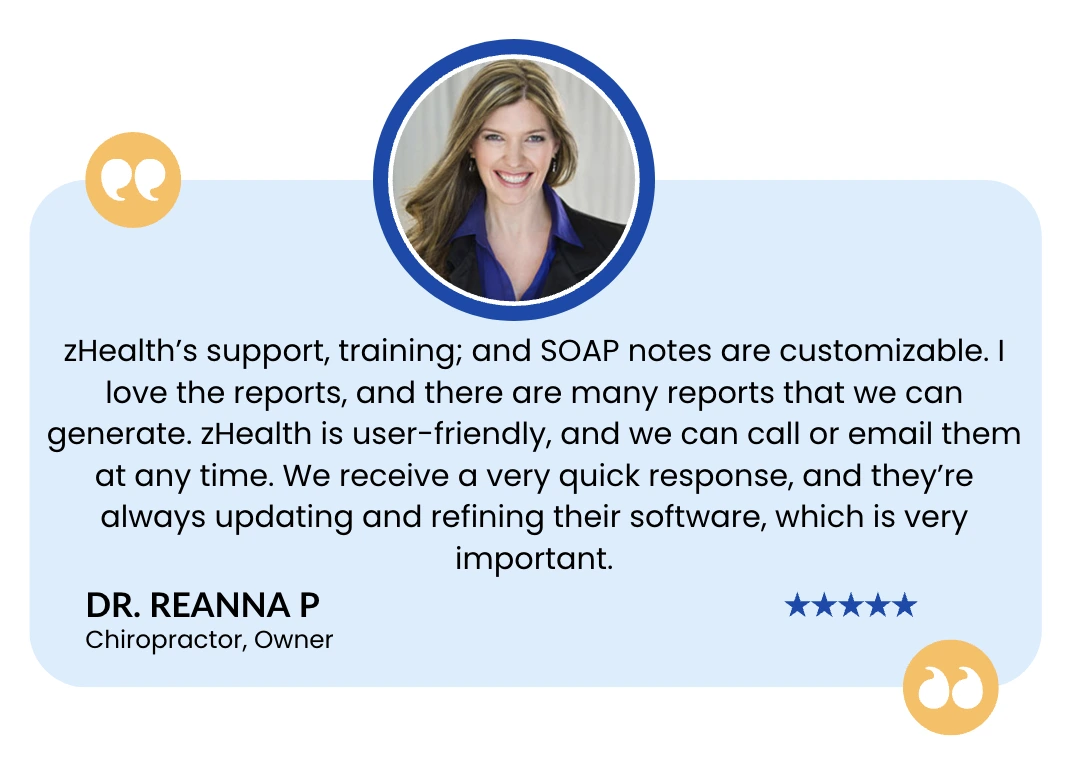
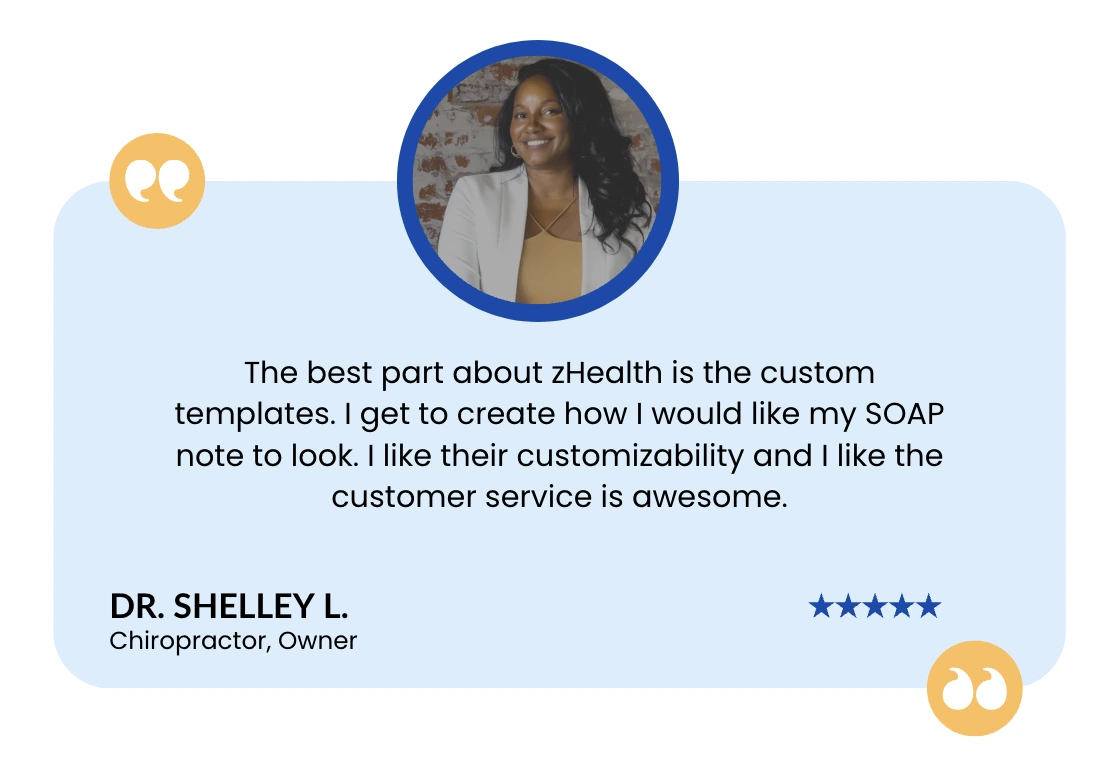
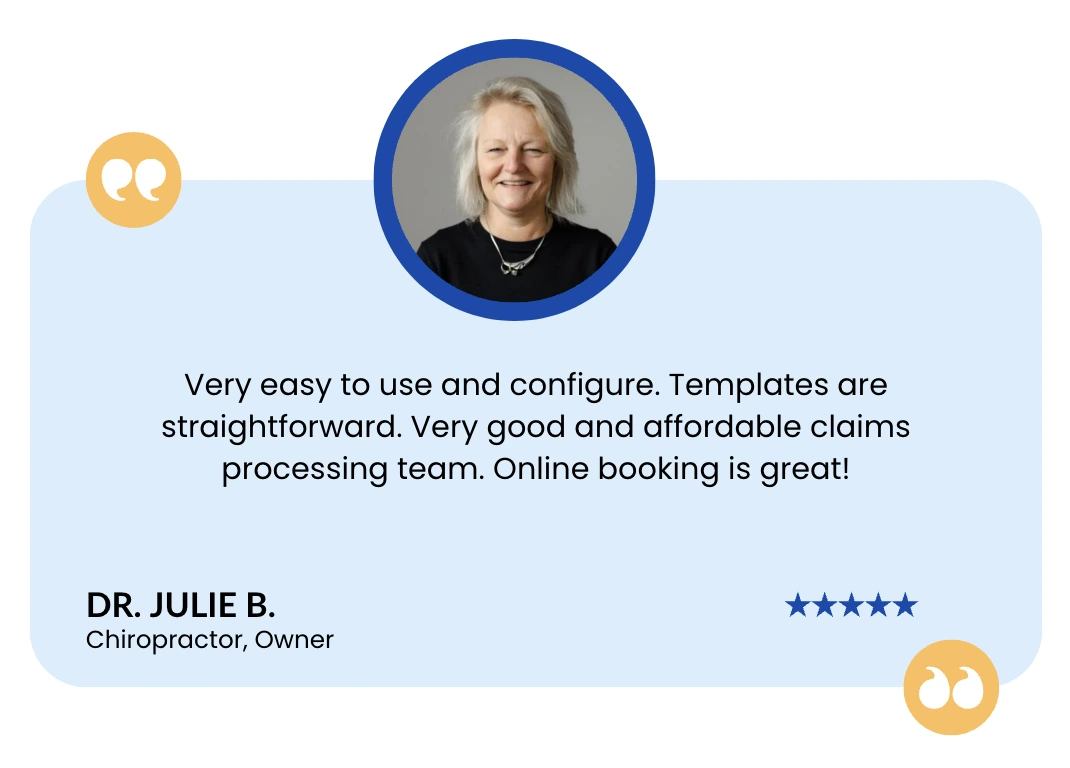
Don’t just take our word for it.
zHealth received Best Software, Customer Support and Functionality Awards from GetApp, Capterra, and Software Advice.

Frequently Asked Questions
Can zHealth migrate data from any chiropractic EHR, even older or server-based systems?
Yes. zHealth supports data migration from almost all chiropractic EHR including older, server-based, etc.
Our migration team handles the entire process for you: exporting data, cleaning it, mapping it correctly, and importing it into your new zHealth account. For more details Contact us today to request a free demo or reach us directly at +1 (800) 939-0319.
How do you ensure my data stays secure during the transition?
Your data moves through a fully encrypted, HIPAA-compliant transfer process from start to finish. We use secure file-transfer methods, restricted-access environments, and multi-step validation to make sure every record is moved safely and accurately.
Does zHealth support voice dictation?
Absolutely. zHealth comes with a powerful voice dictation feature that allows you to record SOAP notes. You can speak your notes in real time and your words are instantly converted into clean, structured documentation, making your workflow faster and more efficient.
What’s the difference between a true cloud-based EHR and a browser-based server system?
A true cloud-based EHR (like zHealth) is hosted securely in the cloud and gives you:
-
Access from any device, anywhere
-
Automatic updates
-
No servers to maintain
-
Stronger security and uptime
-
Faster performance
A browser-based server system still relies on a local server at your clinic. You access it through a browser, but you’re responsible for:
-
Hardware upkeep
-
Manual updates
-
Backup management
-
Higher risk of downtime or data loss
In simple terms:
Cloud-based = modern, safer, and maintenance-free.
Server-based = older technology that requires more work and cost.
How does zHealth improve patient reactivation?
zHealth improves patient reactivation by sending automated text reminders to patients who haven’t visited recently. It brings patients back on autopilot – reducing no-shows and keeping your schedule running smoothly.
Are there any surprise costs I should be aware of when switching to zHealth?
No hidden fees.
zHealth offers transparent, all-inclusive pricing that includes:
-
Onboarding
-
Training
-
Support
-
Updates
-
Secure data hosting
You won’t be paid extra for setup, storage, technical support, or new feature releases. Check out our pricing page for more details.
Can zHealth support multiple providers or practices under one account?
Absolutely. zHealth is built to scale with your practice.
You can manage:
-
Multiple providers
-
Multiple locations
-
Shared or separate schedules
-
Centralized reporting
-
Unified patient data (with permissions control)
Everything can be handled from one clean dashboard, making it ideal for growing clinics, solo and group practices.