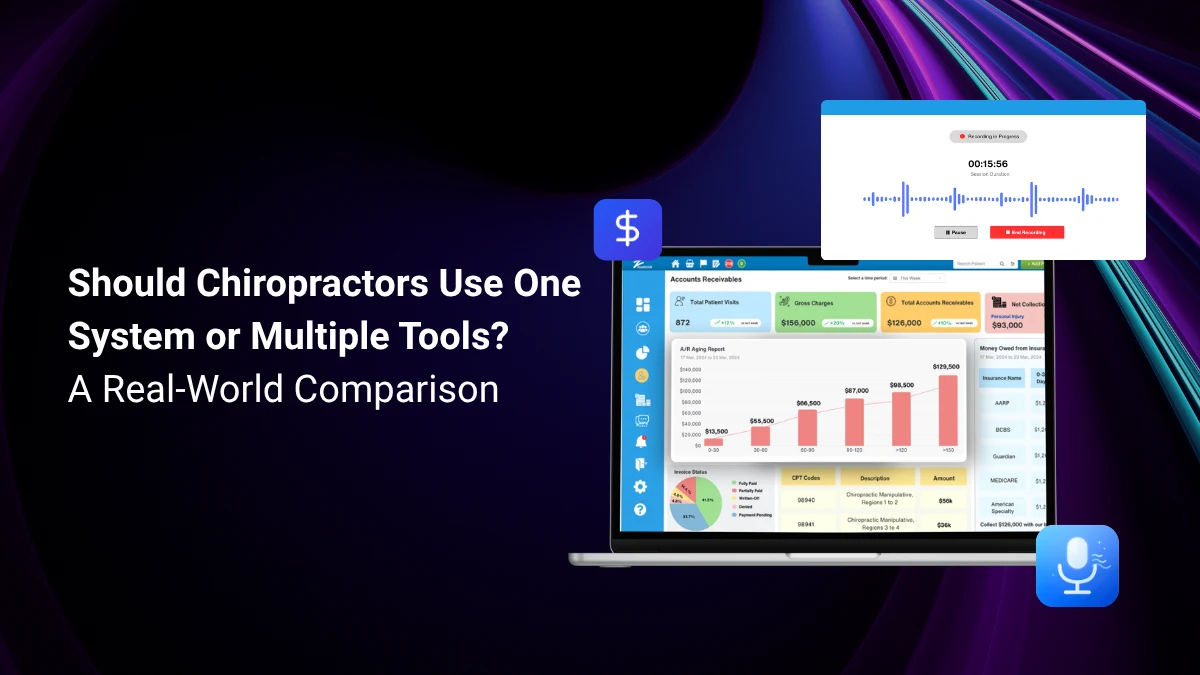
Are you using one software for EHR, one for billing, and one for patient retention and reviews?
If managing your practice sometimes feels like managing software instead of patients, you’re not alone. Most chiropractors don’t start out with a fragmented tech stack on purpose. You add a scheduling tool here, a billing platform there, an SMS reminder service when patients start no-showing. Before long, you’re running a small IT department out of a chiropractic office.
What Do These Terms Actually Mean?
Before comparing them, it helps to define exactly what each approach looks like in a real chiropractic practice.
One Integrated Chiropractic System
An integrated practice management software is a single software system that handles every core function of your practice, EHR and billing software, AI SOAP notes, appointment scheduling, patient reminders, billing and insurance claims, payment processing, patient portal, recall campaigns, and reporting – all under one login, one contract, and one monthly fee.
Multiple Best-of-Breed Tools
A best-of-breed approach means selecting the single best tool for each individual function and connecting them together. For example: a dedicated EHR for clinical notes, a separate scheduling platform, a standalone billing service, a third-party SMS tool for reminders, and a payment processor that sits outside all of them.
| Area | One Chiropractic Solution | Multiple Chiropractic Tools | What it means in practice |
|---|---|---|---|
| Setup time | 1–2 days | 2–6 weeks | Integrating 5+ tools requires dev work before go-live |
| Monthly cost | $119–$400 | $400–$1,200+ | Each tool adds $40–$200/mo; costs compound fast |
| Data accuracy | High — auto-sync | Medium — manual entry | Duplicate entry increases error rate by 30–40% |
| Staff training | 1 system to learn | 1 system per tool | New staff onboarding is 3–5x faster on a unified platform |
| Patient experience | Seamless | Fragmented | Disconnected systems break the patient journey |
| Support | One vendor | Multiple vendors | Integration issues fall into support gaps between vendors |
| HIPAA compliance | Unified BAA | BAA per vendor | Each tool needs its own Business Associate Agreement |
| Reporting | Unified dashboard | Siloed reports | Cross-functional insights require manual data merging |
| Scalability | Add providers easily | Scale each tool separately | Adding a provider means updating seats across every tool |
One System vs. Multiple Tools for Chiropractors: What Actually Saves Time & Money?
Every practice owner faces this question at some point. You’re juggling an EHR here, a billing tool there, a separate SMS reminder platform, and maybe a standalone payment processor, and somewhere along the way it stops feeling efficient and starts feeling like herding cats.
Here’s the honest breakdown of both approaches.
The hidden cost of using multiple “best-of-breed” tools
Multiple software solutions seem appealing because each one is theoretically the best at its specific job. But the real costs aren’t in the subscriptions, they’re in the gaps between them.
- Data entry duplication. When your scheduling tool doesn’t talk to your billing software, someone has to bridge that gap manually. Studies consistently show that manual data re-entry increases error rates by 30-40% and is one of the top sources of billing claim rejections.
- Integration tax. Every API integration you maintain is a liability. When one tool updates its software, your integration can break. When something goes wrong, each vendor points at the other. There’s no one responsible for the whole system working together.
- Training drag. Every time you hire someone new, they have to learn five systems instead of one. That’s a real cost in hours, mistakes made during the learning curve, and your own time spent training.
- Compliance fragmentation. HIPAA requires a Business Associate Agreement with every vendor that touches patient data. With five tools, that’s five BAAs to track, renew, and audit.
Where all-in-one practice management software wins decisively
For most small-to-medium practices (1–10 providers), an all-in-one chiropractic software eliminates nearly every friction point above. The key advantages are:
- Real-time data flow. When a patient books an appointment, it automatically appears in the provider’s calendar, triggers a reminder, generates an invoice template, and creates a SOAP note placeholder, all without anyone touching a keyboard. That kind of seamless flow is simply impossible when those functions live in separate systems.
- Unified reporting. The most valuable business insights come from correlating data across functions: which patient segments have the highest no-show rates? Which billing codes generate the most rejections? Which providers are most productive? You can only answer these questions when all the data lives in one place.
- Faster time-to-value. An all-in-one system like zHealth can be configured and operational in 1–2 days. A multi-tool stack with proper integrations typically takes 2–6 weeks of setup, and that’s before training.
When multiple tools might make sense
To be fair, there are real scenarios where a best-of-breed stack is justified:
- Large multi-specialty groups with dedicated IT staff who can manage integrations, negotiate contracts, and handle vendor relationships. At 50+ providers, the depth of specialized tools starts to outweigh the integration overhead.
- Existing locked-in tools where the switching cost is genuinely high (years of data, complex workflows) and the incremental benefit doesn’t justify migration.
But for the vast majority of chiropractic, massage therapy, or acupuncture practices, these situations don’t apply.
The time equation
The calculator above defaults to 8 hours of admin time saved per week, a conservative estimate based on practices that switch from fragmented stacks to unified platforms.
At $20/hour (a low estimate for front-desk staff), that’s $640/month in recovered labor cost, before you even account for the lower software subscription cost.
The monthly savings widen further when you factor in:
- Fewer billing errors (each rejected claim costs $25–$50 to rework)
- Higher patient retention from automated recall and reminders
- Faster collections from integrated payment processing
5 Signs Your Current Software Stack Is Costing You More Than You Think
- Your front desk re-enters patient information in more than one system per visit. Every duplicate keystroke is a potential error and a waste of paid staff time.
- You can’t pull a single report that shows revenue, retention, and scheduling efficiency together. Siloed data means siloed decisions.
- Your team spends time every week troubleshooting why data from one tool didn’t show up in another.
- New staff take more than a week to become independently operational. If learning the software stack is the bottleneck, the stack is too complex.
- You’ve had a patient complain about a missed reminder, a billing error, or receiving the wrong communication and the root cause was a sync failure between tools.
How to Make the Right Decision for Your Practice
Use this framework to evaluate your current situation objectively:
Step 1: Audit your current stack
- List every tool your practice currently uses and its monthly cost
- Count the number of logins your front desk uses in a typical day
- Identify every point where data is manually transferred between systems
- Estimate the total weekly hours your team spends on cross-system admin tasks
Step 2: Calculate your true monthly cost
- Add up all subscription fees including per-seat costs
- Add middleware or integration tool fees
- Multiply admin hours spent on system management by your staff hourly rate
- Add an estimate for integration troubleshooting and maintenance time
Step 3: Evaluate the switching cost
- How much historical data needs to be migrated?
- How disruptive would a 2-week transition period be to your patient schedule?
- Does the all-in-one platform you’re evaluating offer data migration support and onboarding?
Step 4: Compare against integrated chiropractic software pricing
Request pricing from 2–3 best business software for small businesses. Ask specifically about: per-provider pricing, included features at each tier, data migration support, onboarding time, and contract flexibility. Then compare the total monthly cost against your current stack.
Most practices that run this audit discover their fragmented stack costs 40–60% more per month than an all-in-one business software.
How zHealth Replaces Your Entire Stack, Starting at $119/Month
zHealth is built specifically for chiropractic practices and covers every function a modern practice needs in a single, fully integrated platform:
- EHR & SOAP notes with customizable templates, voice dictation, and a pre-built template library
- Online appointment scheduling with calendar management, color-coded appointment types, and drag-and-drop rescheduling
- Automated patient communication: reminders, missed appointment follow-ups, recall campaigns, birthday messages, and review requests
- Digital intake forms and self-check-in via patient portal, completed at home before the visit
- Integrated billing and insurance claim submission with auto-populated CPT and ICD-10 codes
- Integrated payment processing with in-person card reader, online bill pay, and digital patient statements
- Practice analytics dashboard with retention, revenue, recall performance, provider productivity, and AR reports
Everything is connected natively. Patient data entered at intake flows to SOAP notes, billing
Conclusion
The best-of-breed argument sounds compelling in a product demo. In practice, the seams between tools are where time gets lost, errors get made, and patients have poor experiences.
For the vast majority of chiropractic practices, such as solo practitioners, small practices, and growing multi-provider clinics, an all-in-one chiropractic practice management software is the leaner, more reliable, more profitable choice.
Ready to simplify your stack and save money every month?
Book a free demo with zHealth and see how one platform can replace everything you’re currently juggling, with better results and lower costs
.
Related Articles:
Get Paid Faster: 10 Smart Revenue Cycle Management Tips for Chiropractic Practices
Achieving Chiropractic Practice Goals in 2026 With the Right Software
Save Hours Every Week: 10 Repetitive Chiropractic Workflows You Can Automate Instantly